Rent a car near you. Or earn from yours.
Cars from people and companies near you, plus the mechanics, detailers and chauffeurs who keep them on the road. Verified profiles, payments held in escrow and a photo record of every handover.
Discover more

Pay the way Zimbabwe pays
Top up your Vhiri wallet with mobile money or card, in US dollars or ZiG.
Car rental built on trust: verified people, protected payments and a clear record of every trip.
Every profile and every listing is checked by the Vhiri team before it goes live.
Verified profiles
Renters upload their ID and driver's licence, and an administrator approves them before they can book.
Escrow payments
Your payment is held while the trip runs and released to the host once it completes. Cancelled bookings are refunded to your wallet.
Photo handover
A photo checklist at pick-up and return, approved by both sides, so everyone agrees on the car's condition.
Chat and reviews
Message each other on every booking, get notified as it moves along, and review each other after the trip.
How renting works
Three steps from search to keys.



Find a car
- Search by suburb or town and your dates
- Filter by budget and brand
- See photos, price and reviews, and save favourites
Request and pay
- See the full cost breakdown before you commit
- The host accepts, then you have 24 hours to pay
- Your money is held in escrow during the trip
Drive and review
- Photo checklist at pick-up and return
- Chat with your host throughout
- Review each other when the trip ends
One marketplace for everyone who rents, hosts or keeps cars moving
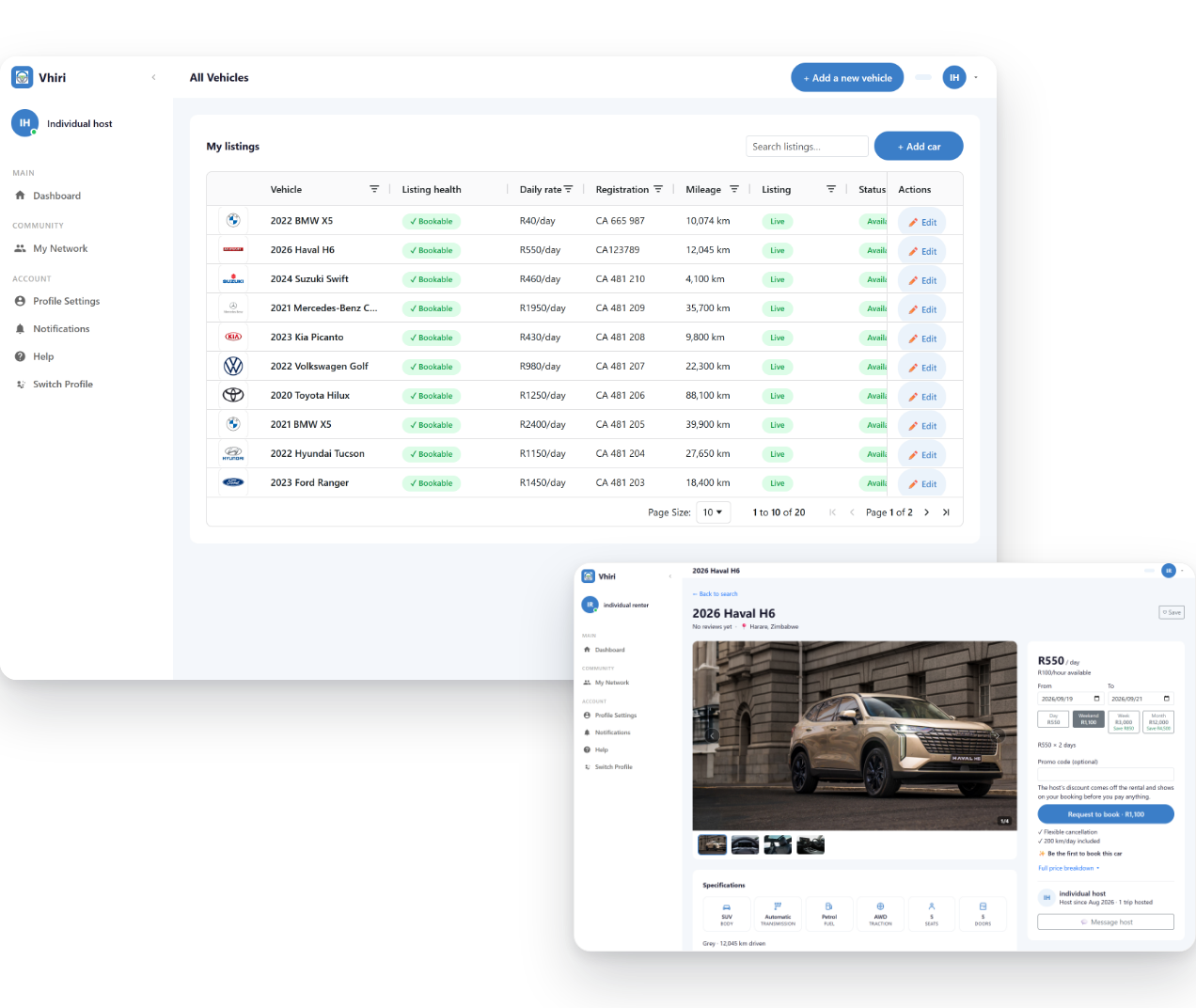
Renters, private owners, rental companies and service providers use the same app and the same rules. Hosts get more bookings and a professional front. Renters get clear prices in USD or ZWG and pay nothing until the host accepts.
Made for everyone on the road
- Rates by the hour, day, week or month
- Prices and payments in USD or ZWG
- Wallet top-ups by EcoCash, OneMoney, InnBucks or card
- Money held in escrow until the trip completes
- Two-way reviews after every trip
Rent a car near you
Search by suburb or town and your dates, filter by budget and brand, and see every car's photos, price and reviews. Request the dates, pay once the host accepts, and pick up the keys.
Find a car
Earn from the car in your driveway
List your car with photos, a price and the days it is free. Requests come to your phone: accept, hand over with a photo checklist, and the payout lands in your Vhiri wallet. Track fuel, maintenance and costs, and see your revenue by month.
List your car
Offer your automotive services
Mechanics, detailers, cleaners, chauffeurs and towing operators take jobs from Vhiri hosts and renters. Hosts book you before a trip, you accept and do the job, and the customer rates it. Workshops share jobs across their team.
Become a provider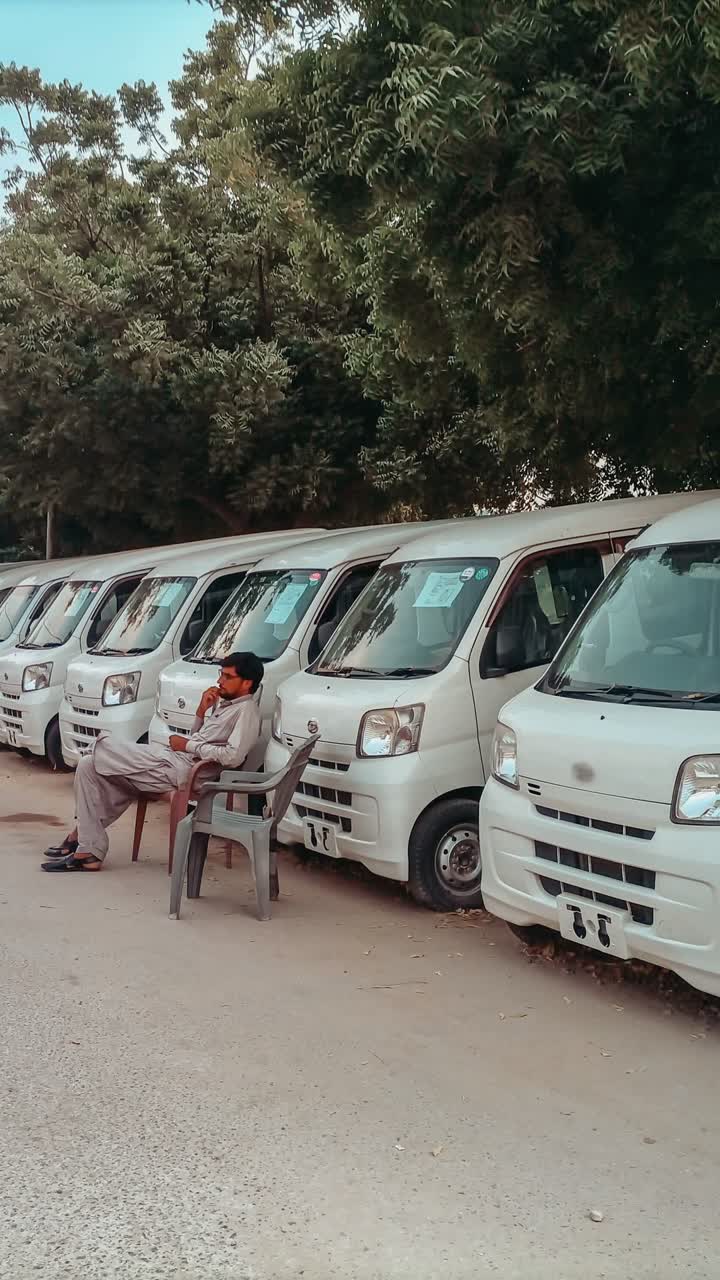
Rent or run a fleet as a company
Register your company once and invite your team by email, each with their own role. Book cars for your staff, or list a whole fleet, share one calendar and track costs per car.
Register your companyAny questions?
Check out the FAQs
The help centre has answers for renters, hosts and service providers, plus short how-to videos.
Browse every question
All FAQsSee how it works
How-to videosSearch by suburb or town and your dates, open a car to see its photos, price and reviews, then request the dates.
You see the full cost breakdown, including any promo code, and approve it before you pay. The host accepts the request and your payment is held in escrow until the trip completes.
Bookings open once your profile is approved. Upload your ID or passport and your driver's licence under Profile > Documents. An administrator reviews them and you get a notification when your profile is active.
You can browse cars in the meantime.
Pay from your Vhiri wallet, topped up by EcoCash, OneMoney, InnBucks or card, in USD or ZWG.
The money is held in escrow while the trip runs and released to the host once it completes. A declined or cancelled booking is refunded to your wallet.
Open the Host menu and add the car: pick its make and model, add photos, set your daily rate (weekly and monthly rates are optional), your pick-up locations and the days it is free.
Upload the registration and insurance documents, then publish. An administrator reviews the listing before renters can see it.
The renter pays into escrow when the booking is confirmed. When the trip completes, the payout lands in your Vhiri wallet, less the platform fee.
From the wallet you can request a withdrawal to your bank account or mobile money.
Register as a service provider and upload your ID and any trade documents. Then add each service you offer, such as chauffeur, cleaning, detailing, servicing, panel beating or towing, with its price and the area you cover.
An administrator reviews each offering before hosts and renters can book it.
Take Vhiri with you
Search, book, pay, chat and hand over from your phone with the Vhiri app for Android and iPhone. Prefer a browser? Everything works on the web too.